ByeCut
AI video editor for iPhoneEdit in 5 minutes. Not 2 hours.
Film it messy and tap AI Edit. ByeCut keeps your best take of every line, cuts the ums, silences and retakes, and adds captions. The hours you used to spend editing go back to filming, posting and living.


Free download · Your first AI edit is on us · 3 days free on every plan
- 1 tap
- from raw takes to a finished first cut
- 5 min
- per video, not 2 hours
- 0
- editing skills needed
- Free
- full editor, no watermark
Time back
How many hours is editing costing you?
Most of editing a talking-head video is finding the good takes, cutting the dead air and typing captions. That's exactly the part ByeCut does for you. Move the sliders to see what it's worth. Once you're editing, the app counts the hours you've saved every month.
That's about 9 min per video with ByeCut. AI Edit does the cutting; a quick review stays with you, so we count 15% of your current editing time, the same estimate the app uses.
Time you get back
hours a month
- hours a week
- 4.3
- hours a week
- hours a year
- 221
- hours a year
- full workdays a year
- 28
- full workdays a year
Three ways to get a video edited. One takes minutes.
ByeCut
- Your time per video
- About 5 minutes
- Ready in
- Minutes
- Skill needed
- None
- Cost
- Free to start
- Scales with
- As much as you film
Edit it yourself
- Your time per video
- Up to 2 hours
- Ready in
- Tonight, if you're lucky
- Skill needed
- Timeline editing
- Cost
- Free, but paid in evenings
- Scales with
- Your free time
Hire an editor
- Your time per video
- Briefs and revision notes
- Ready in
- Days
- Skill needed
- Managing an editor
- Cost
- Paid per video, every video
- Scales with
- Their queue
Best-take selection
Other editors keep your last take. ByeCut keeps your best.
Record a line five times and most AI editors just keep whichever came last. ByeCut listens to every take and keeps the delivery that actually lands. No more scrubbing through five versions of the same sentence to find the good one.
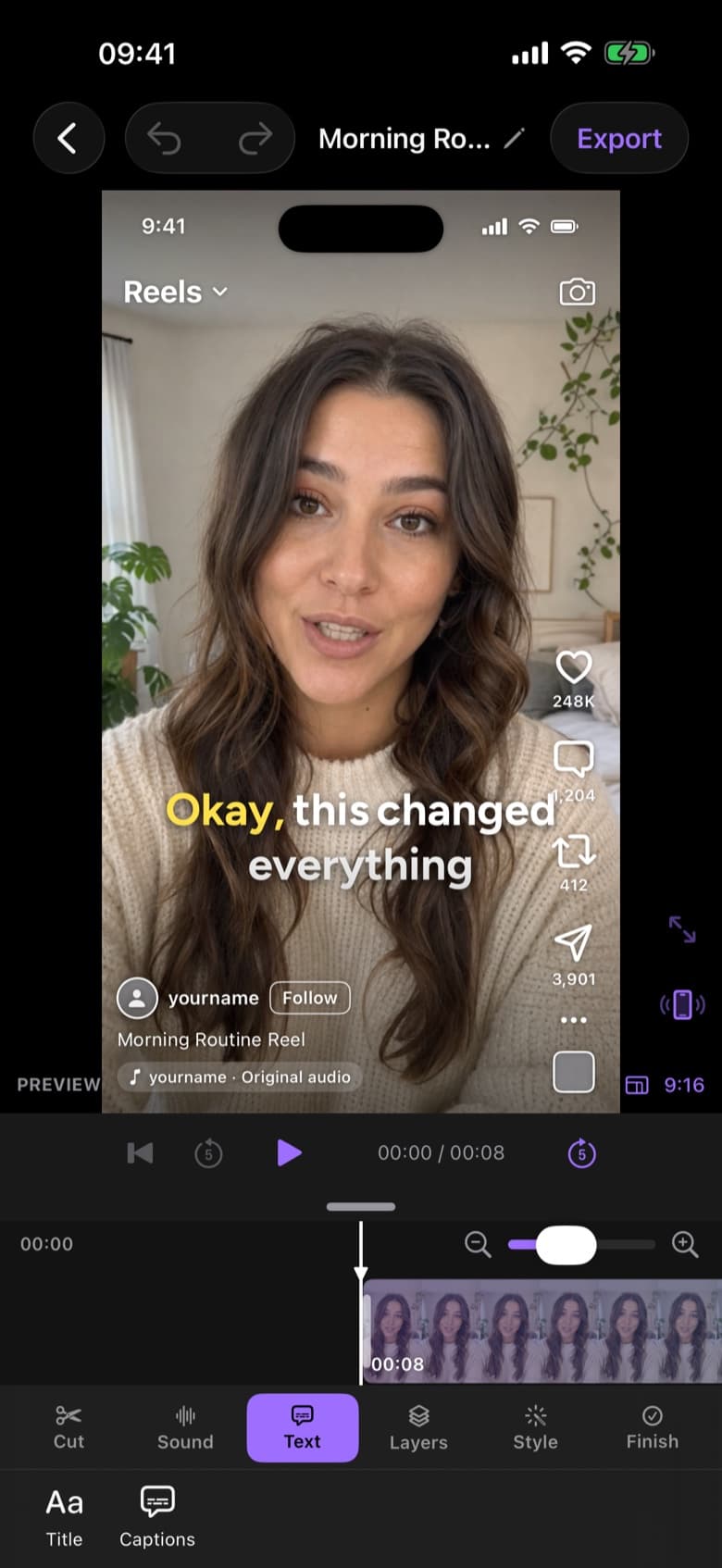
“Okay, this changed everything.”
So easy it barely counts as editing. Three taps to posted.
Step 1 · Seconds
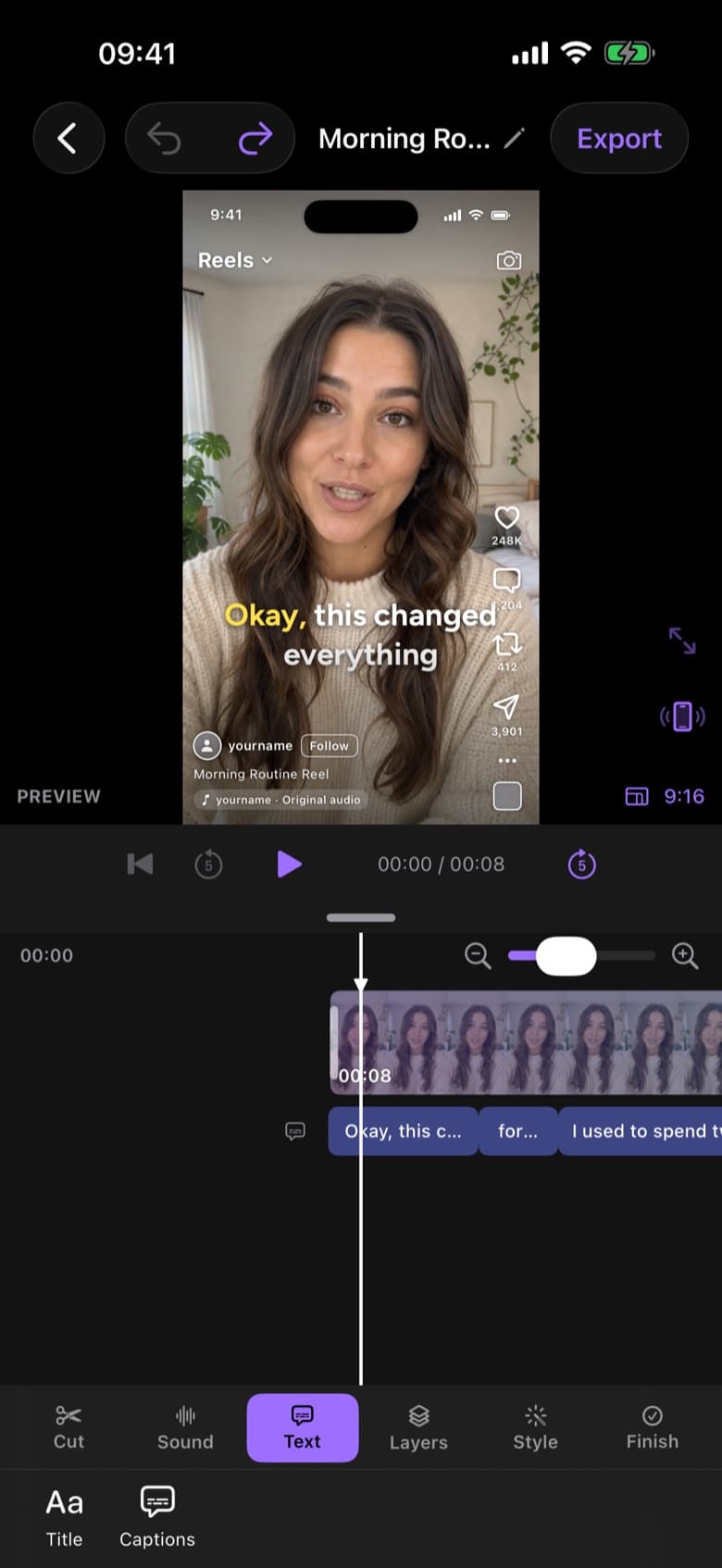
Drop in your raw takes
One long recording or a pile of clips from Photos or Files. False starts and repeated lines are welcome.
- RAW · 1:12CUT · 0:38 · READY TO POST AI Edit
Step 2 · Hands-free
Tap AI Edit
AI Edit, powered by GPT-6, keeps your best take of every line and cuts silences, filler words and retakes. Lock your phone and it keeps going, with progress on your Lock Screen. You approve the cut.
Step 3 · One tap
Caption it and post
Word-by-word captions in one tap, a live Reels preview, and a 4K export sized for TikTok, Reels and Shorts.
Auto captions
Captions in one tap. Not one hour.
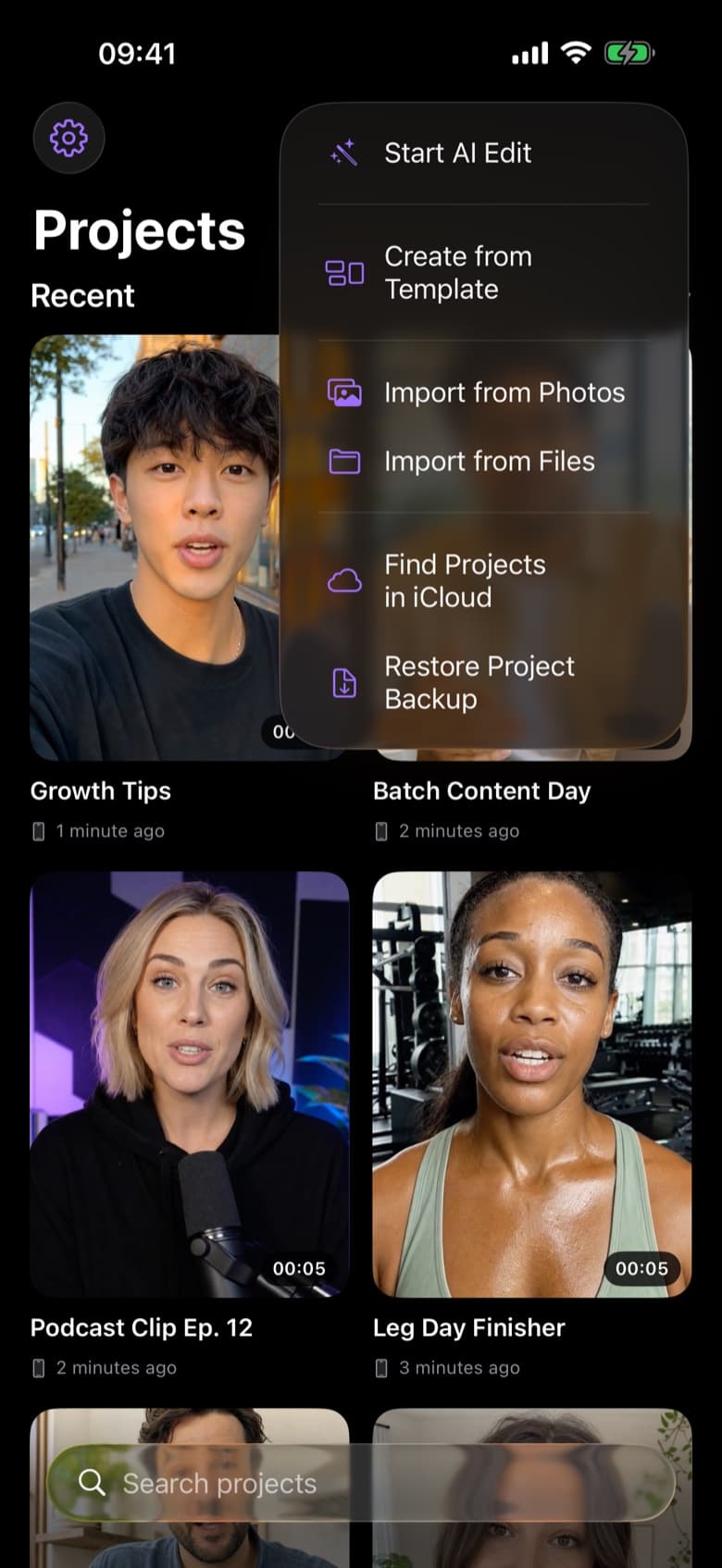
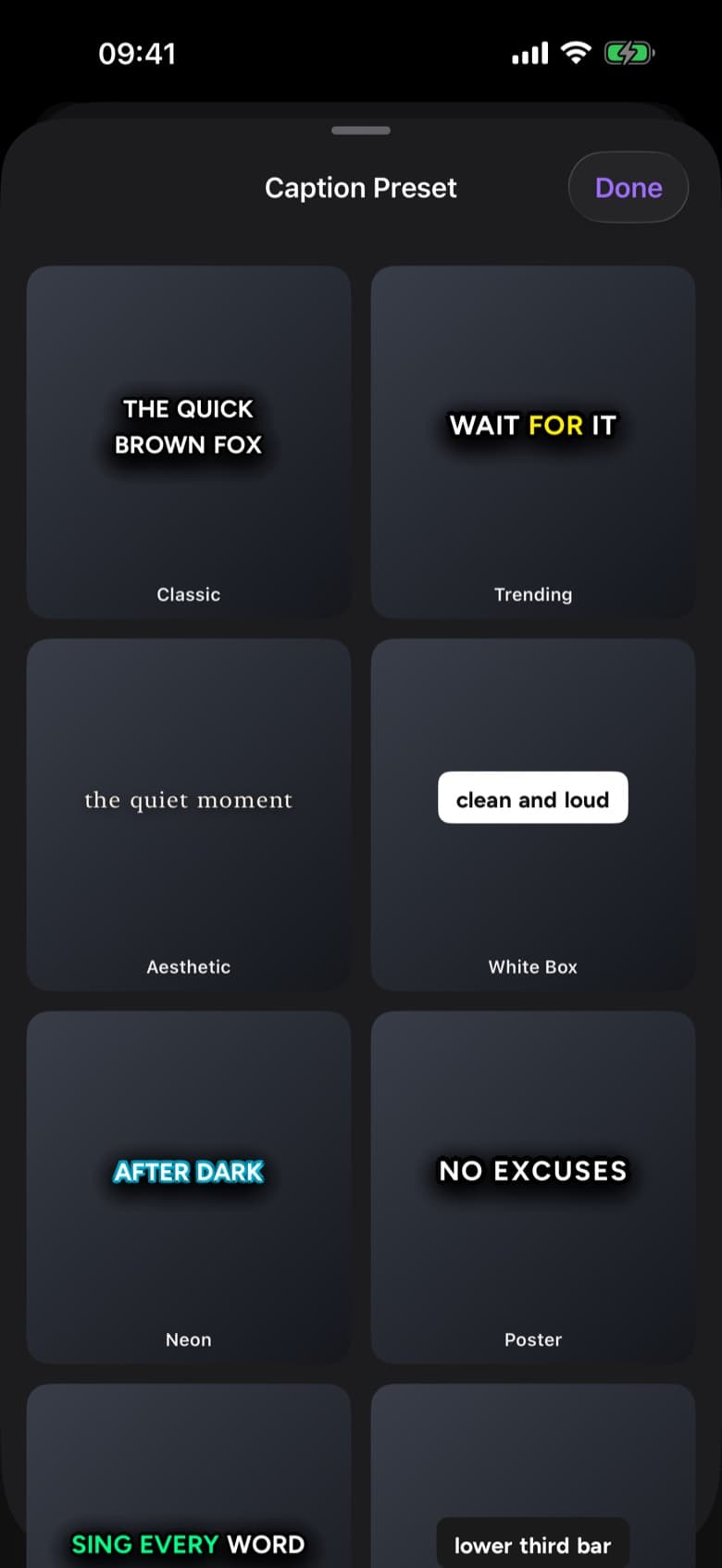
Most people watch with the sound off, and typing and timing captions by hand eats your evening. ByeCut captions every word in one tap, right on your device. Then pick from 20+ styles to fit your channel.


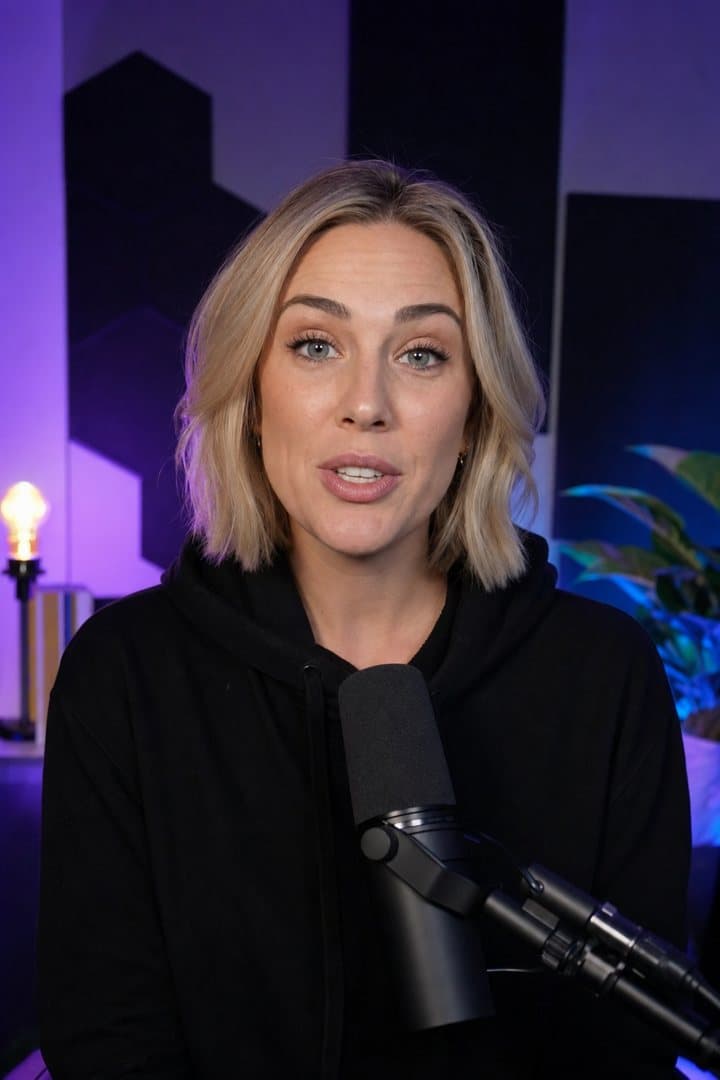
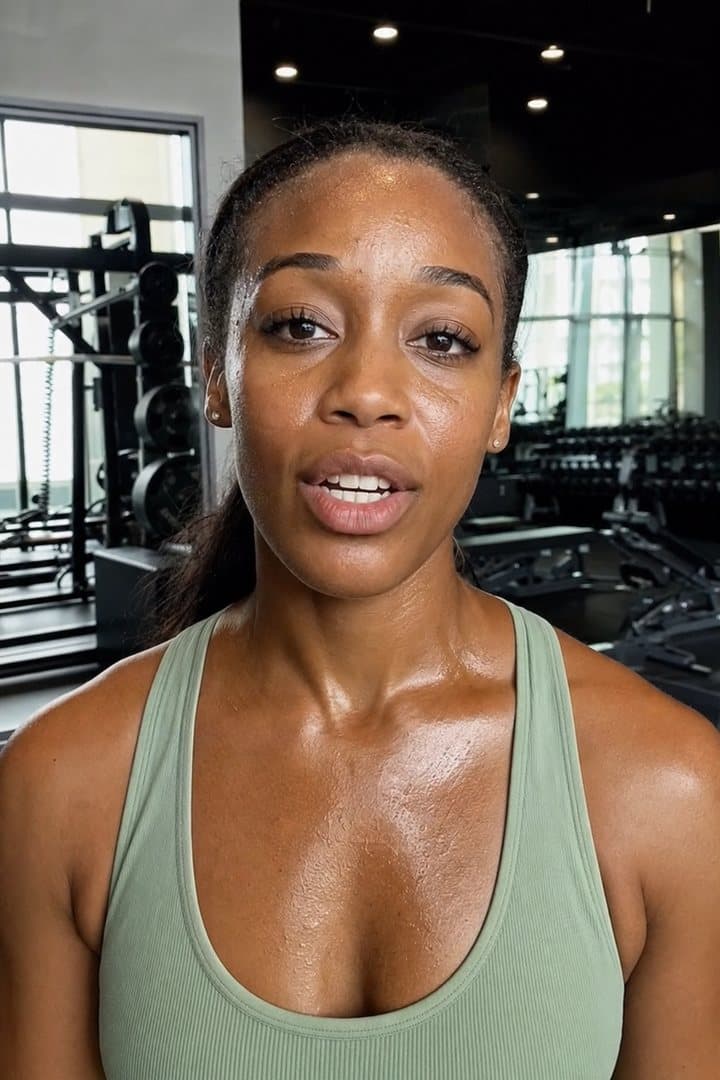
Built for anyone who talks to the camera, including talking-head videos, tutorials, course lessons and podcast clips.
Free forever
Not a one-trick AI app. A full video editor, free.
AI Edit gets you to a clean first cut in minutes. When you want to add your own touch, it's a real timeline with pro tools. No subscription, no watermark.
- Multi-track timeline
- Trim, split & merge
- Titles & text behind subject
- Music, sound & voiceover
- B-roll overlays
- Filters & colour
- Speed & freeze frame
- Zoom & Ken Burns
- Stabilization
- Face retouch
- Background removal
- Chroma key & masks
- 9:16, 16:9, 1:1, 4:5
- Templates
- Plain-language editing assistant
Your footage stays yours.
Edited on your device
Editing, captions, background removal and exports all run on your iPhone or iPad.
Audio-only for AI
AI Edit sends OpenAI audio and the transcript, never the video. It isn't used for training and is deleted within 30 days.
iCloud is opt-in
Projects live on your iPhone. Sync stays off until you turn it on.
Start free. Pay in cents, not hours.
The editor is free forever. Plans add monthly AI edits from €0.44 each, and every plan starts with 3 days free. One edit covers up to 6 minutes of raw footage.
Free
The full editor, no watermark.
€0/ forever
No card needed
- Full multi-track timeline editor
- Unlimited word-by-word captions
- Background removal, chroma key & masks
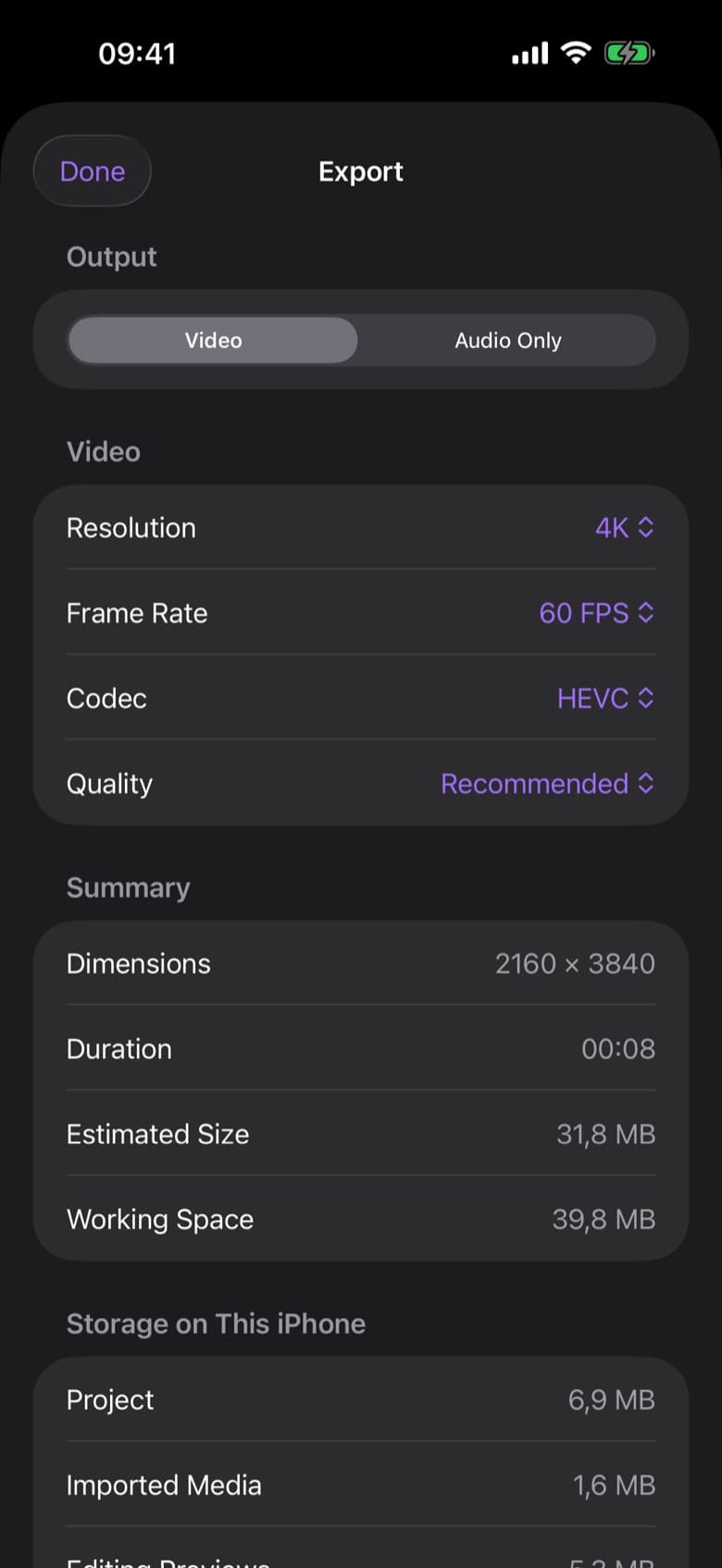
- Up to 4K 60 fps exports, no watermark
- 1 free AI edit on up to 15 min of footage
Creator
Great for a few videos a week.
€19.99/ month
€149.99 / year, save 37%
€0.67 per edit · 3 days free
- Everything in Free
- 30 AI edits every month
- Up to 3 hours of footage a month
- Best-take selection & script matching
- Silence and filler word removal
Pro
Best valueFor daily posting and client work.
€39.99/ month
€299.99 / year, save 37%
€0.44 per edit · 3 days free
- Everything in Creator
- 90 AI edits every month, 3× Creator
- Up to 9 hours of footage a month
Plans are bought in the app through the App Store, which shows your local price. Compare plans
Guides
Edit less. Post more.
Free guides to filming, editing and posting short-form video in a fraction of the time.
How long does it take to edit a video?
Realistic editing times for short-form and long-form video, where the hours actually go, and how to get a talking-head edit down to about five minutes.
6 min readHow to edit videos faster: 10 tips that save hours every week
Most editing time is spent on work a tool could do. Ten changes to how you film and edit that take a talking-head video from hours to minutes.
7 min readHow to batch film a week of short-form content in one session
Script on Sunday, film once, edit everything in one sitting. A simple batching system for creators who want to post daily without filming daily.
6 min read
Questions, answered.
Something else? Visit support
What is ByeCut?
ByeCut is an AI video editor for iPhone and iPad built for talking-head videos. It automatically removes silences, filler words and bad takes from your raw footage, adds word-by-word captions and exports in up to 4K for TikTok, Instagram Reels and YouTube Shorts, turning up to two hours of editing into about five minutes.
How much time does ByeCut save?
It depends on how you edit today. Hand-editing a short talking-head video (scrubbing through retakes, cutting pauses, typing captions) can easily take one to two hours. With ByeCut, AI Edit does the cutting and you spend a few minutes reviewing the cut and picking a caption style. Post a few videos a week and that adds up to hours every week. Try the calculator above with your own numbers. The app also keeps count: Home shows how much editing time you've saved each month.
Do I need any editing experience?
No. Drop in your footage, tap AI Edit and approve the cut. The full timeline is there whenever you want a hand on it, but you never need to touch it to post a clean video.
Is ByeCut free?
Yes. The full editor, captions, effects and 4K exports are free forever with no watermark. Your first AI edit is free on a recording of up to 15 minutes. More AI edits come with the Creator and Pro plans, and both start with a 3-day free trial.
How is ByeCut different from other AI video editors?
Most AI editors cut words from a transcript and assume your last take is the best. ByeCut's AI Edit, powered by GPT-6, hears every take of each line, keeps the strongest delivery and reviews its own cut. It can also match your footage to a script line by line, and it keeps working in the background while your phone is locked.
Does ByeCut upload my videos?
No. Editing, captions and exports happen on your device. To pick your best takes, AI Edit sends audio-only copies of your clips, the transcript and any script or notes you add to OpenAI, our AI provider, but never the video itself. OpenAI doesn't train models on it and deletes it within 30 days.
Which devices does ByeCut run on?
iPhone and iPad with iOS 26 or later. ByeCut is a native Apple app, built to take full advantage of iOS video and on-device machine learning, so it isn't available on Android.
Which videos does ByeCut work best for?
Anything where you talk to the camera: TikToks, Reels, YouTube Shorts, UGC ads, tutorials, course lessons, podcast clips and product updates.
Say bye to editing. Get your evenings back.
Your next video is already sitting in your camera roll. Drop it into ByeCut and get a clean, captioned cut back in minutes. Your first AI edit is free.
Free download · No watermark · iPhone & iPad